Assortment
How to track your competitors' new products
A competitor launching a sofa close to your best seller will not warn you. Spotting new products early lets you adjust a price, fill a gap in your range or defend a product before the sales figures tell you to.

Key points
- XML sitemaps, category pages sorted by newest, and Google Shopping are the three most reliable sources.
- A new product is not a new color of an existing one: you need to remove duplicates.
- A new product only matters compared with your range: a copy of your product, a gap in your offer, or a new entry price.
- Collect without overloading sites, and without republishing their catalogs.
Why track new products
Prices are only part of the competition. In furniture, assortments move fast: new collections twice a year, seasonal colors, products tested for a few weeks and then withdrawn. Three situations deserve early detection:
- a competitor releases a model very close to your best seller, often cheaper;
- a new player shows up on your key products, for example a third-party seller on a marketplace;
- a whole family grows at other retailers while it is missing from yours.
Where to spot new products
XML sitemaps
Most online stores publish a sitemap listing their product pages. The protocol provides a last-modified date tag for each address[1]. Comparing two successive readings reveals new addresses. The stated date is not always reliable, but the appearance of an address is.
Category pages sorted by newest
Many sites offer a “new in” sort or section. Reading the first page of your key categories every week gives a quick view, as long as you keep the list of products already seen.
Search engines
The shopping results of search engines show the sellers that compete on a given search, including those you do not track yet. Reading them regularly on the queries that matter to you completes the monitoring of websites.
Newsletters and social media
Subscribing to competitors' newsletters is still a simple source for collection launches. It gives you the sales message, rarely the product details.
Sorting what you find
A raw list of new addresses is unusable. Four steps make it readable:
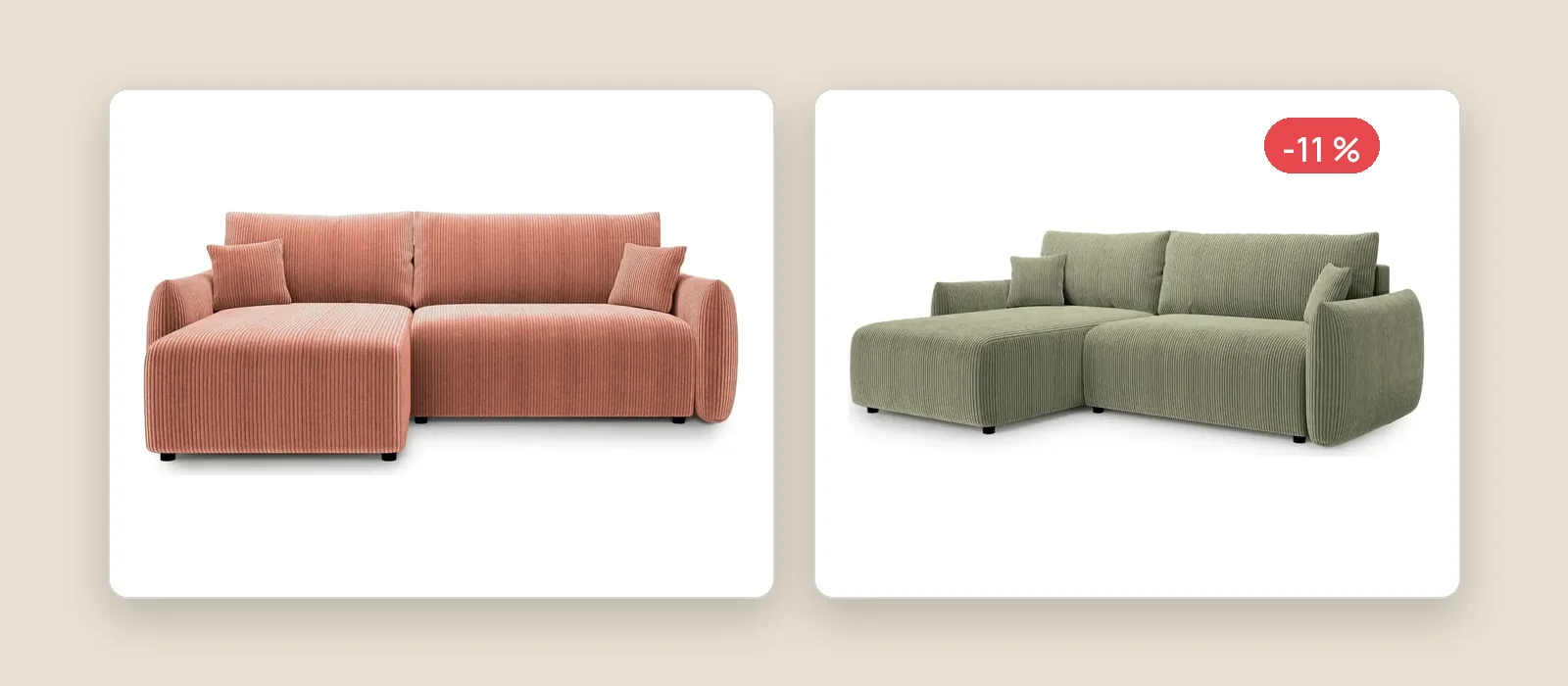
- Remove variant duplicates. A sofa offered in five colors is one new product.
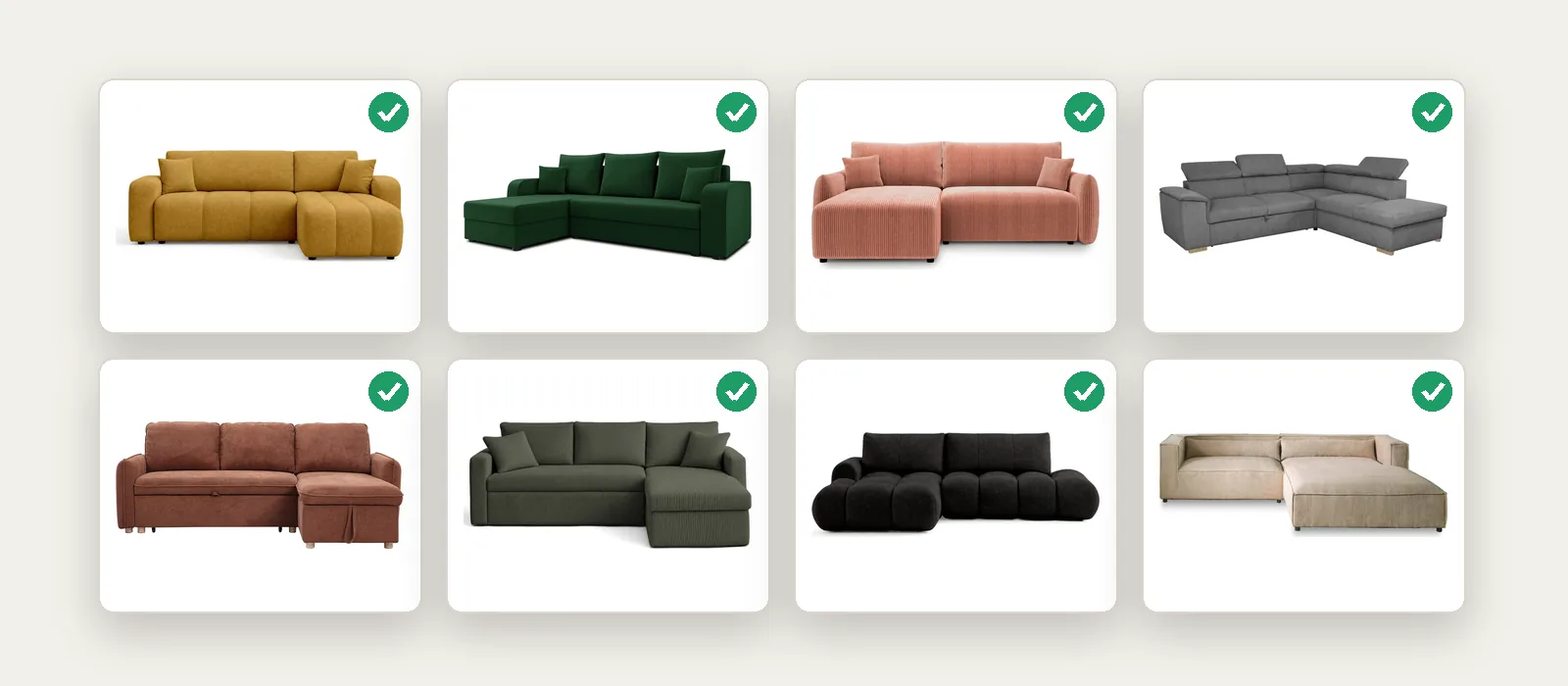
- Classify by family: corner sofas, sofa beds, armchairs, tables, chairs, garden furniture.
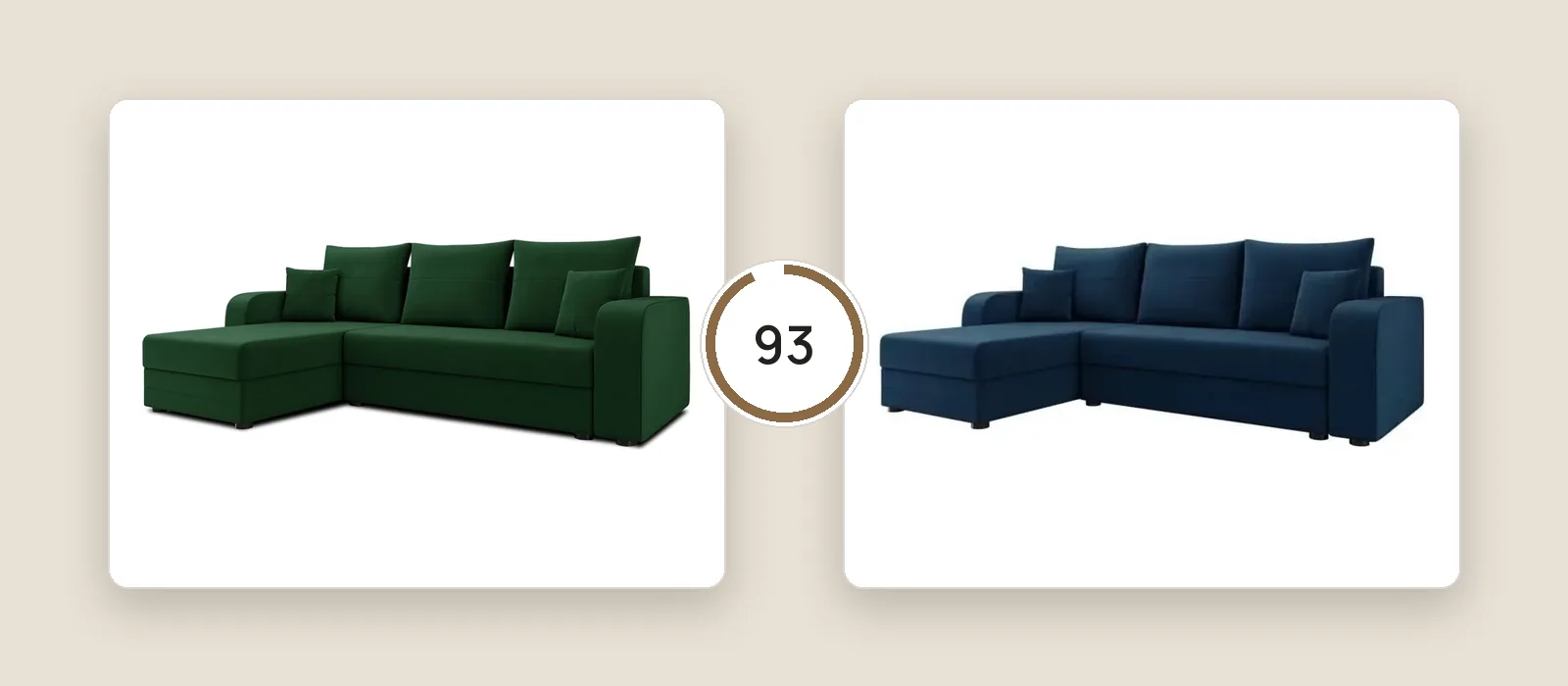
- Measure closeness to your range, ideally through photos and dimensions, so that what looks like your products comes first.
- Date the first appearance, to tell a real launch from a product that was simply put back online.
What to do with a new product
- It looks like your best seller and costs less: compare the two product pages closely, then decide on a price change or a selling point to put forward.
- It fills an empty slot in your range: flag it to the product team, with its price and dimensions.
- It is visibly selling well, which a rising review count often gives away: watch it closely.
- It has nothing to do with your offer: ignore it. Good monitoring also knows what not to look at.
Collecting responsibly
Public product pages are meant to be viewed, but a monitoring robot should stay discreet. Follow each site's robots.txt file, whose rules have been standardized since 2022[2], space out your requests and read at night rather than at peak hours.
Keep in mind too that the European Union protects databases that required substantial investment: extracting or reusing a substantial part of them is regulated[3]. Monitoring is there to inform your decisions, not to republish a competitor's catalog.
Sources
- sitemaps.org, “Sitemaps XML format”. www.sitemaps.org/protocol.html
- IETF, RFC Editor, “RFC 9309, Robots Exclusion Protocol”, September 2022. www.rfc-editor.org/rfc/rfc9309.html
- EUR-Lex, “Directive 96/9/EC of 11 March 1996 on the legal protection of databases”, March 11, 1996. eur-lex.europa.eu/eli/dir/1996/9/oj